

Artwork Guidelines
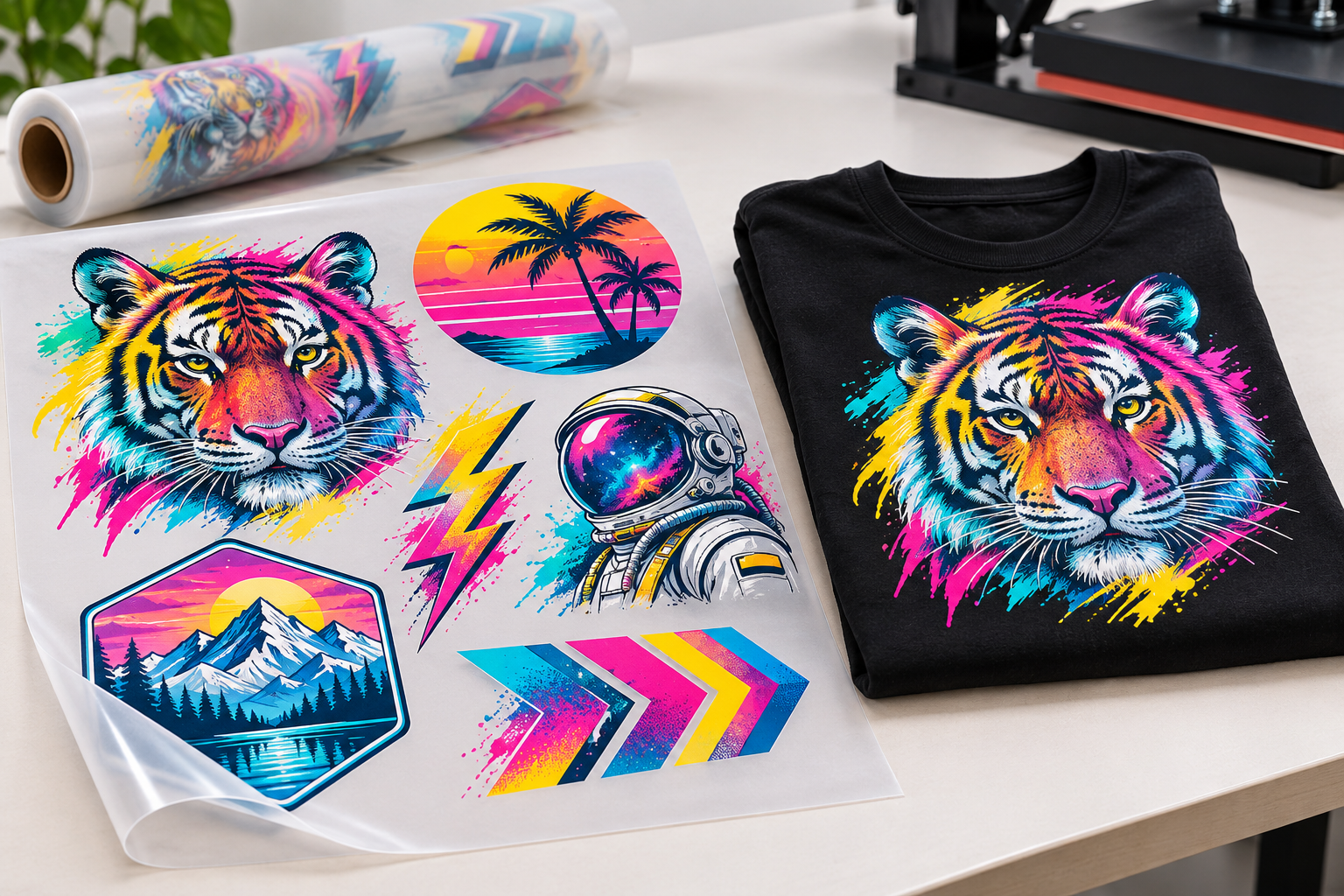
Get your artwork print ready
Upload a finished transfer sheet, or add individual designs and arrange them in our online designer. Check your artwork carefully before placing your order.
Choose the right file
- PNG: use a transparent background and aim for 300 dpi at the final print size.
- PDF or EPS: supply artwork at the size you want it printed, with text converted to outlines and any linked images embedded.
- Avoid screenshots and small web images. Enlarging a low-resolution image can make the finished print look blurred or pixelated.
Keep backgrounds transparent
Remove any background you do not want printed. A white box is part of the artwork and may print as a white box. Keep any white elements that are intentionally part of your design.
Use the correct sheet size
| Sheet | Printable area |
|---|---|
| 1 Metre Gang Sheet | 1,000 × 540 mm |
| A3 Transfer Sheet | 420 × 290 mm |
| A4 Transfer Sheet | 297 × 210 mm |
Keep all designs inside the printable boundary and leave enough space between them to cut the transfers apart.
Check before ordering
- Check the width and height of each design at its intended print size.
- Check spelling, colours, quantities and placement.
- Look closely at small lettering and fine detail.
- Make sure you have permission to use every logo or image you upload.
If you are unsure about a file or need artwork redrawn, contact us before ordering. Email showroom@b-id.co.uk or call 01702 410044.
Please check carefully before ordering: Your artwork will be printed as uploaded, at the sizes and quantities you select. We do not send a separate artwork proof for approval. By submitting your order, you approve your uploaded files for printing.
Colour and fine detail
If a colour needs to match an existing print or brand shade, contact us before ordering. Check a printed sample rather than relying on the appearance of your screen. For small lettering, fine lines or detailed logos, ask us to check suitability before placing a production order.
Build your sheet online
- Choose your sheet size and select Customize Design.
- Upload your designs and set each one to its required final width and height.
- Duplicate and arrange the designs inside the printable boundary, leaving room to cut them apart.
- Check the final sizes, quantities, backgrounds and spelling before adding your sheet to the cart.
Ordering again?
Sign in to your account to find saved designs and previous orders. If an older saved design does not open as expected, contact us before rebuilding it.
